
Beginner guide
Best Day Trading App for Beginners: A Clear Comparison
Choosing the best day trading app for beginners is easier when you separate the learning tool from the broker account. Here are three starting points based on official documentation, with practical demo tasks to help you decide. No controlled live-speed test was performed.
Quick answer
Start with TradingView for chart-led paper practice, cTrader Mobile for documented mobile order controls, or MT5 Mobile for a free-download broker-linked terminal. These are conditional learning choices; broker costs, eligibility and available instruments need a separate check.
| App | Useful starting point |
|---|---|
| TradingView | Chart-led paper practice. |
| cTrader Mobile | Mobile order and protection controls. |
| MT5 Mobile | A free-download broker-linked terminal. |
- Practise placing, changing and cancelling orders on demo.
- Check the full cost of the connected brokerage account.
- Choose a screen where quantity and risk are easy to review.
On this page
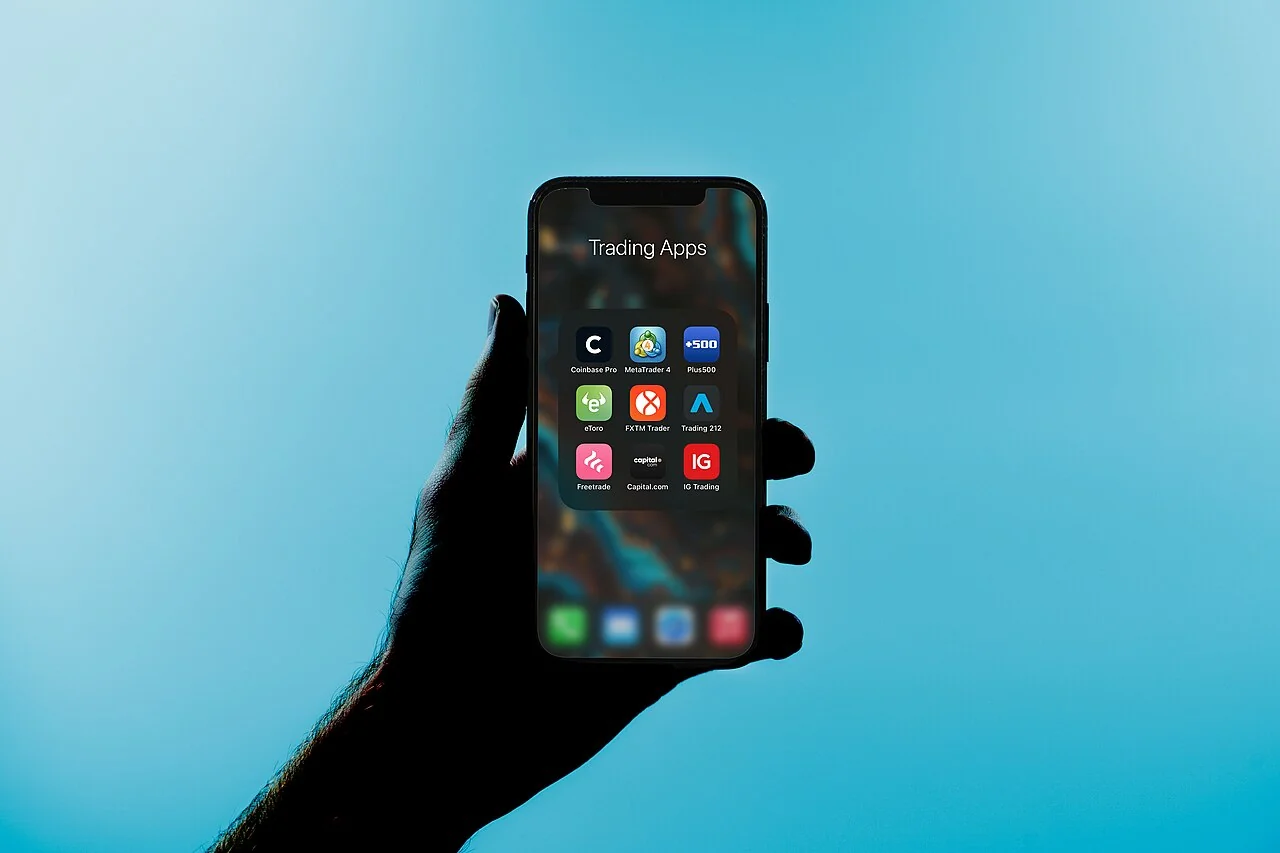

How to choose the best day trading app for beginners
Start with the market you intend to learn. Trading shares, forex and exchange-traded futures involves different instruments, sessions and costs. Confirm that the selected broker offers the intended product in your jurisdiction. A chart symbol visible in an app does not automatically mean your account can trade it.
Next, assess the order ticket. You should be able to identify direction, quantity, order type and any attached protection before confirming. A beginner-friendly workflow makes the consequences clear and allows time to review. One-tap submission is a convenience feature, not a requirement for learning responsibly.
Then inspect account visibility. Open positions, pending orders, used margin and realised results should be easy to distinguish. Check how the app handles a lost connection and whether orders or protections remain active at the broker. Knowing how to cancel or close is more important than collecting extra indicators.
Finally, compare the complete cost structure: spreads, commissions, data subscriptions, financing where applicable and currency conversion. App download price is only one item. Funding and withdrawal arrangements belong to the broker or service, and can differ between entities operating under the same brand.
Top starting point: TradingView for chart-led paper practice
TradingView is our conditional starting point for someone who wants to learn chart navigation and order mechanics without first selecting a live brokerage account.
Its Paper Trading documentation describes simulated money, order tickets, chart trading and position tracking. Begin with the documented Supercharts workflow and confirm current functionality on your chosen device.
The limitation is equally important. Simulated fills do not establish live execution quality, accessible liquidity or emotional readiness. The charting environment, paid features and any future broker connection also have separate conditions. Do not assume that every chart, subscription tier or mobile screen supports identical trading functions.
Try these three tasks in a demo account:
- Place a demo limit order and check it appears under working orders.
- Change its price, then cancel it.
- Confirm it is gone and note the messages shown at each step.
Runner-up: cTrader Mobile for explicit order controls
The cTrader Mobile help centre documents native iOS and Android apps, chart-based trading, market and pending-order types, and server-held position protections. That makes it a useful candidate when a suitable broker offers cTrader and you want to learn the relationship between orders, positions and protection settings.
Its documentation distinguishes market, limit, stop and stop-limit orders. These distinctions matter: an order that controls the execution price can fail to fill, while an instruction prioritising execution can receive a different price. Practise each relevant type on demo and confirm how your broker applies it to the intended symbol.
cTrader also documents cloud execution for cBots. That is a separate automation capability, not a reason a beginner must use a bot. Start with manual controls and permissions. Understand which protections are server-held and which advanced tools require additional setup before relying on the app during an interruption.
When choosing the best day trading app for beginners, check the broker behind it too. Symbols, costs and account terms depend on the provider. Assess the legal entity, funding arrangements and charges alongside the interface you will use.
Free terminal download: MetaTrader 5 Mobile
MetaTrader 5 Mobile is available as a free download for iOS and Android and connects to compatible broker accounts. This earns it a place for beginners seeking an established terminal without assuming a separate terminal purchase. It does not establish that the connected brokerage account has the lowest overall fees.
MetaQuotes documents charting, indicators, trade history and account support for netting and hedging arrangements. The actual account mode and available instruments depend on the broker’s configuration. Learn how your particular account represents positions rather than relying on screenshots from somebody else’s setup.
Before using real money, verify the account server, account number and symbol specifications. Similar names can appear across demo and live environments. Treat mobile access as a way to learn and monitor account controls; do not assume desktop expert advisers or every desktop tool runs inside the phone application.
MT5 can be a sensible route when the broker passes your checks and you value continuity with its desktop environment. Its weakness for a complete beginner is that unfamiliar terminology and symbol conventions still need learning. Free access reduces one expense; it does not remove financial or operational complexity.
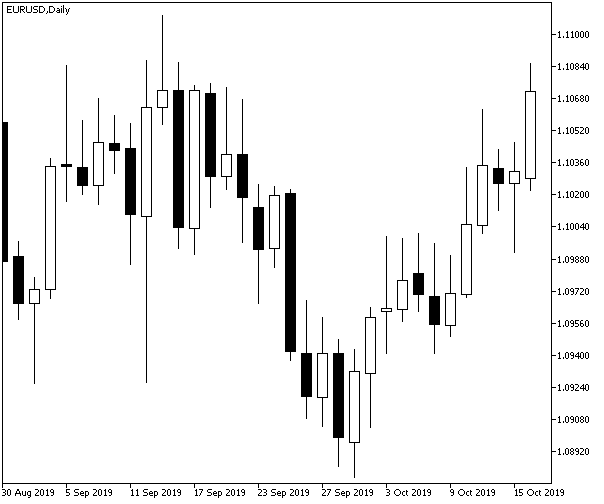

Compare learning tools and costs
| Starting point | Main learning use | Cost question | Main limitation |
|---|---|---|---|
| TradingView Paper Trading | Chart-led simulated practice | Which features require a paid plan? | Simulation is not a live-fill benchmark |
| cTrader Mobile | Order types and protection workflows | What does the connected broker charge? | Availability and account terms vary |
| MT5 Mobile | Broker-linked terminal familiarity | What are the broker’s total account costs? | Free download does not mean free trading |

No measured latency results are available for this comparison. Device performance, network conditions, broker infrastructure and order type all affect the experience.
A “fast” animation or a low ping does not prove a better execution price. Compare confirmed order states and outcomes rather than using screen responsiveness as a broker ranking.
Your first week on demo
Choose one instrument and write down its contract size, trading hours and cost structure. Practise opening, modifying, cancelling and closing, then inspect the history to confirm what happened. Use small simulated risk and avoid switching apps after every confusing result; familiarity requires a repeatable sequence of tasks.
Our best platforms for day trading guide compares the wider desktop and platform context. For app selection, keep the test narrower: can you understand the account and act deliberately on a small screen? If not, use a larger interface for decisions that need more detail.
Review the common mistakes in funded trading accounts if you plan to enter an evaluation programme. The app may accept an order that breaches programme rules. Platform availability is not evidence that a trade fits a daily loss allowance, news restriction or holding requirement.
Keep security simple and deliberate. Install through the provider’s verified distribution route, use supported authentication controls and protect account recovery details.
Do not share trade credentials with someone promising to configure a winning setup. A demo account is sufficient for learning the interface without granting another person control over real funds.
Separate the app decision from the broker decision
Make two short checklists. The app checklist covers readable orders, accessible history, recovery controls and supported devices. The broker checklist covers the legal entity, permissions in your country, account costs, instrument terms and handling of client funds. Passing one checklist does not establish that the other is satisfactory.
For a hypothetical beginner comparing two MT5 accounts, the familiar screens might look almost identical while contract sizes, commissions and available leverage differ. Open each symbol specification and compare the written terms rather than assuming the software brand standardises the account.
Trading from South Africa? Our South African forex beginner guide explains broker verification, demo practice, funding checks and affordable risk.
Frequently asked questions
Which app should a complete beginner try first?
TradingView can suit chart-led paper practice; cTrader Mobile and MT5 Mobile suit compatible broker accounts. Start with the app that makes orders, costs and exposure easiest to understand.
Is MetaTrader 5 Mobile completely free to use?
The mobile app is free to download. Your broker may still charge spreads, commissions, financing, data or conversion fees, so compare the complete account terms.
Does a good demo result mean I am ready for live trading?
No. Demo practice helps you learn the controls but cannot reproduce every live fill or emotional pressure. Check product knowledge and personal risk capacity separately.
Open a demo with a specific learning goal
Choose the best day trading app for beginners by how well it helps you understand the account. Practise a short checklist on demo, confirm order states and learn the recovery controls. Make deliberate decisions before considering a live account.
Disclaimer
Educational information, not personal investment advice. Leveraged trading can cause substantial losses. Product availability, provider rules and costs vary by jurisdiction and can change. No affiliate links are used, and no returns or rankings are guaranteed.