
Trading hardware
Best Laptop Computer for Day Trading: A Smart Buying Guide
Finding the best laptop computer for day trading starts with your actual workspace. We use three documented ThinkPad configurations as reference points, with practical checks for memory, displays, support and local costs. This is a limited specification-based shortlist, not a hands-on market-wide test.
Quick answer
A practical starting point is 16GB RAM and an SSD, with 32GB for heavier multitasking. Check the exact ports, dock, monitors and local warranty. The T14, E14 and P16v examples serve different needs; no current cheapest seller or fastest trading laptop was verified.
| Model | Role in this shortlist |
|---|---|
| T14 Gen 5 Intel | Business-workspace reference. |
| E14 Gen 6 AMD | Budget-oriented option to price locally. |
| P16v Gen 2 Intel | Workstation reference for heavier needs. |
- Compare exact memory, storage and screen configurations.
- Verify the dock and each monitor’s resolution.
- Include local tax, warranty and return costs.
On this page
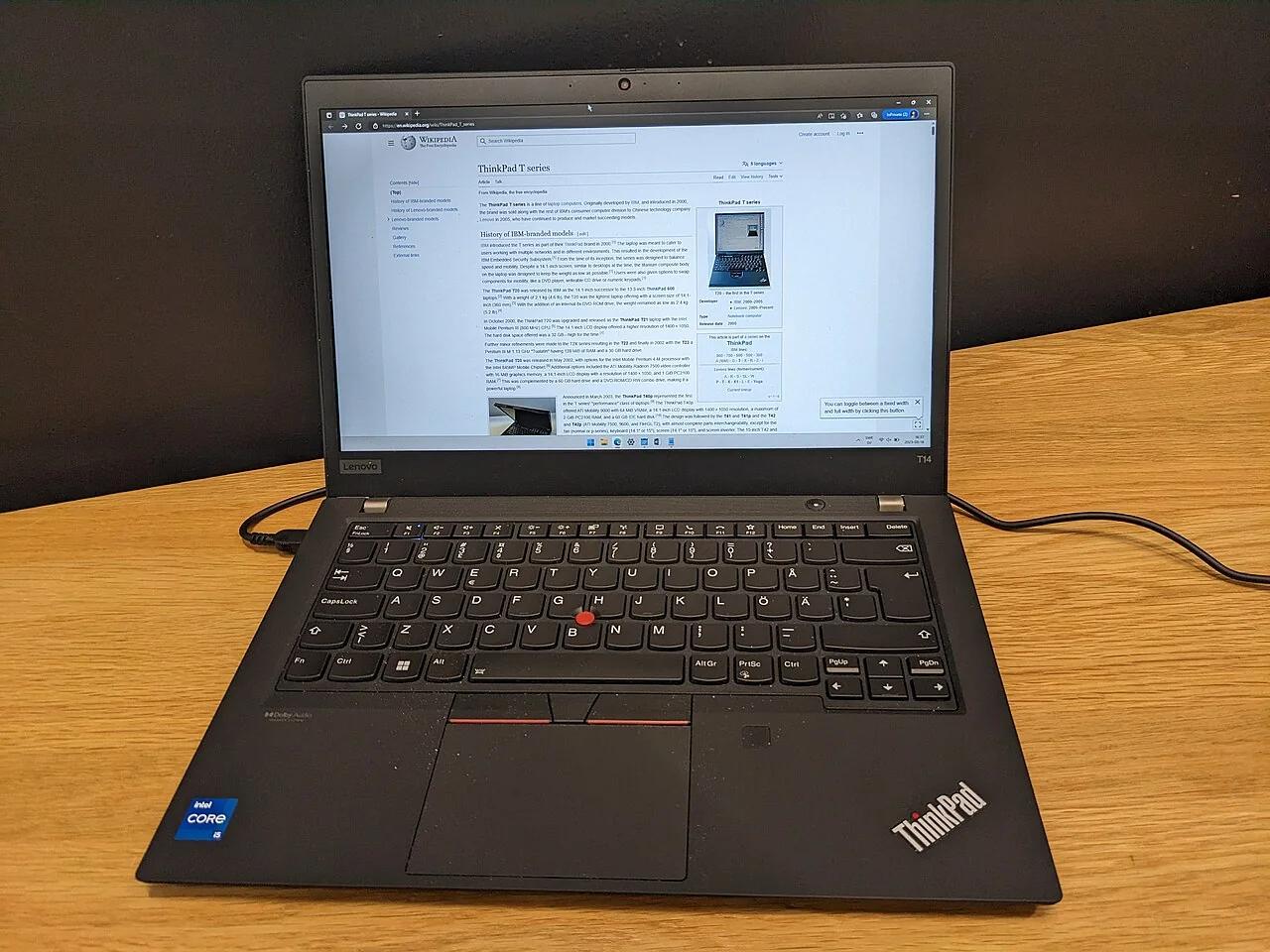

Practical specifications for the best laptop computer for day trading
| Component | Practical starting point | Heavier-workload preference |
|---|---|---|
| Memory | 16GB for a modest terminal and browser workspace | 32GB for more charts, tabs and tools |
| Storage | 512GB SSD with adequate free space | Larger SSD for local data and research |
| Processor | Modern supported processor meeting application requirements | More sustained CPU capacity for local testing |
| Displays | Readable internal screen and verified external output | Confirmed dock, bandwidth and monitor compatibility |
| Connectivity | Reliable network and a recovery connection | Wired networking plus a tested backup route |
These are editorial buying guidelines, not universal software minimums or measured performance thresholds. Check your chosen platform’s current requirements. A few manual charts and a browser are different from multiple terminals, large historical datasets or simultaneous strategy optimisation. Build a workload list before deciding how much hardware to buy.
For the best laptop computer for day trading, count the whole workload: charts, browser tabs, calls and spreadsheets. Leave memory for those applications, plus storage for updates, logs, backups and local data. Buying around a single terminal can underestimate what you actually run.
Top business reference: ThinkPad T14 Gen 5 Intel
The official T14 Gen 5 Intel specification documents two memory slots, configurations up to 64GB, two Thunderbolt 4 ports, HDMI and Ethernet. That combination makes it a useful business-laptop reference for a portable trading workspace with wired networking and external displays.
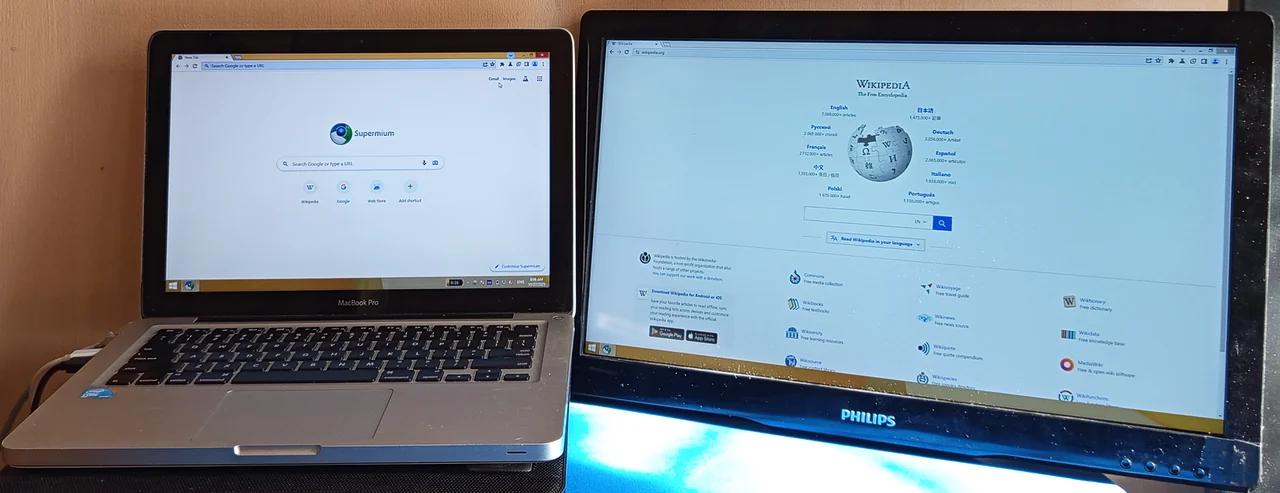
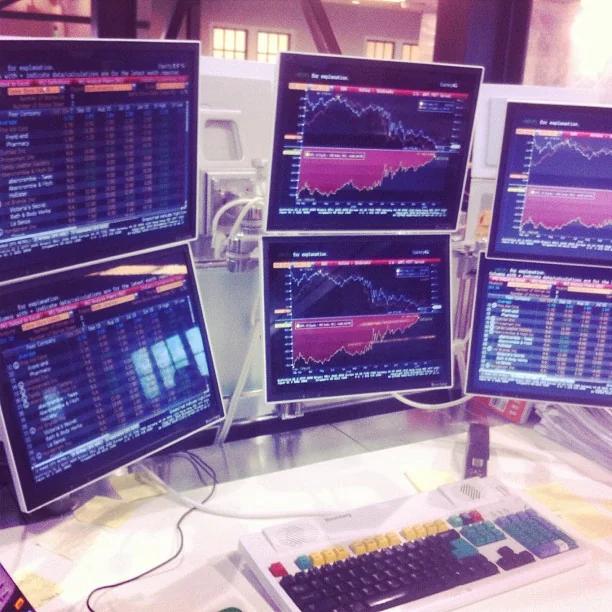
The same specification describes support for the internal screen and up to three external displays, subject to output and resolution constraints.
Do not treat the headline count as proof that every dock can drive every monitor combination. Verify the exact resolutions, refresh rates, cables and dock before purchasing the complete setup.
A sensible configuration to request is 32GB of memory and sufficient SSD space for your applications and records. That is a proposed configuration, not a statement that every advertised T14 includes it. Model names cover several processors, panels and regional stock codes; inspect the seller’s exact machine type and specification.
The reason to shortlist it is documented connectivity and business-workspace flexibility. There is no claimed battery, thermal, keyboard or trading-speed test behind this recommendation. Ask the seller about warranty coverage, local servicing and returns, especially if buying imported or refurbished stock outside its original sales region.
Budget reference: ThinkPad E14 Gen 6 AMD
The E14 Gen 6 AMD specification lists two memory slots, USB-C display output, HDMI and Gigabit Ethernet. It is worth pricing as a budget-oriented reference when the local configuration meets your workload. “Budget” describes its role in this shortlist, not a verified current price advantage in every country.
The specification lists support for the internal display plus three external monitors through the available outputs, with different maximum resolutions by port. This is a reminder that a lower-priced candidate may already have adequate connectivity. A workstation-class purchase is not automatically necessary simply because you want more than one screen.
Start by comparing a 16GB configuration with the cost of a supported upgrade to 32GB. Check the exact memory arrangement and seller warranty conditions rather than assuming an upgrade is included. The published maximum includes qualifications, so request confirmation for the particular configuration you intend to buy.
A refurbished or clearance unit can be attractive if condition, battery status, operating-system support and return rights are documented. Avoid savings that depend on an unknown charger, damaged ports or no recovery options. Reliability and accessible support have practical value when the computer is part of an account-control workflow.

Multi-monitor workstation reference: ThinkPad P16v Gen 2 Intel
The P16v Gen 2 Intel specification documents a larger workstation platform with Thunderbolt 4, HDMI and Ethernet. Consider it when your requirements extend beyond ordinary chart monitoring into heavier local research or a more substantial desk-based setup. Confirm the chosen processor and graphics configuration explicitly.
It is not automatically the best purchase for two external monitors. The smaller reference models also document external-display capability. The P16v is a candidate when its broader workstation configuration solves a real workload requirement, not because trading charts inherently need a dedicated professional graphics processor.
Compare the complete desk arrangement: power adapter, dock compatibility, display outputs, cooling space and transport needs. A powerful laptop that is inconvenient to carry or expensive to service may be a poor fit for a mobile trader. Those trade-offs cannot be resolved from the processor label alone.

Price the whole setup
Convert the complete local cost, including taxes, shipping, warranty support and any return expense. A lower foreign listing can become more expensive once those items are included. Prefer an exact configuration comparison over two listings that share a model name but contain different screens, memory or storage.
Reserve money for operational continuity. A dependable router, suitable surge protection, backups and a tested secondary connection may be more useful than a cosmetic upgrade. The appropriate equipment depends on local infrastructure and budget; no laptop by itself prevents a broker outage or protects an open position from market movement.
Test your own workspace
Do not buy based on RGB lighting, an unqualified AI label or claims that a faster CPU guarantees faster fills. Your local machine is only one part of the path.
Our guide to data flow and execution speed in copy trading explains why network and broker processing must be distinguished from screen responsiveness.
Check application compatibility before choosing an operating system. The best platforms for day trading outlines different platform needs, but your actual installation requirements remain decisive. If you rely on specialist software, plugins or automation, verify supported deployment rather than assuming a browser version replaces every desktop function.
During the return window, run your normal chart layout, browser tabs, spreadsheet and external displays together. Observe responsiveness, memory usage and stability while connected to power. Test sleep and wake, network switching and display reconnection on demo. Keep real account exposure out of a hardware troubleshooting exercise.
Have a backup plan
Keep secure configuration backups and support contacts available from a second authorised device, and practise account recovery on demo.
Separate computer failure from account state. Closing a lid, losing power or restarting an application does not necessarily cancel broker-held orders. Learn which protections remain active and how to verify them. Practise the recovery route on demo so the first attempt is not made during an urgent live incident.
For a hypothetical remote-working setup, include a supported phone, an independent connection and enough battery capacity to inspect the account while the laptop restarts.
This is a continuity example, not a requirement to buy a particular accessory. Choose the arrangement that fits your local power, network reliability and budget, and check it periodically as devices or applications change.
Frequently asked questions
Is 16GB of memory enough for day trading?
Often, for a modest terminal and browser setup. More charts, tabs or research tools may justify 32GB. Check your workload and the exact machine’s upgrade options.
Do trading charts need a dedicated graphics card?
Not necessarily. Integrated graphics may handle ordinary charting when the required displays are supported. Verify applications, ports and monitor resolutions before paying for extra graphics capability.
Can I connect two external monitors to a laptop?
Often, but support depends on the model, dock, ports, resolutions and refresh rates. Verify the exact connection route and test the complete setup during the return period.
Check the exact configuration before paying
To find the best laptop computer for day trading, compare exact specifications and local total prices. Match memory, display connections and support across the shortlist. Choose the setup you can depend on.
Disclaimer
Educational information, not personal investment advice. Leveraged trading can cause substantial losses. Product availability, provider rules and costs vary by jurisdiction and can change. No affiliate links are used, and no returns or rankings are guaranteed.